◫
Deep library browsing
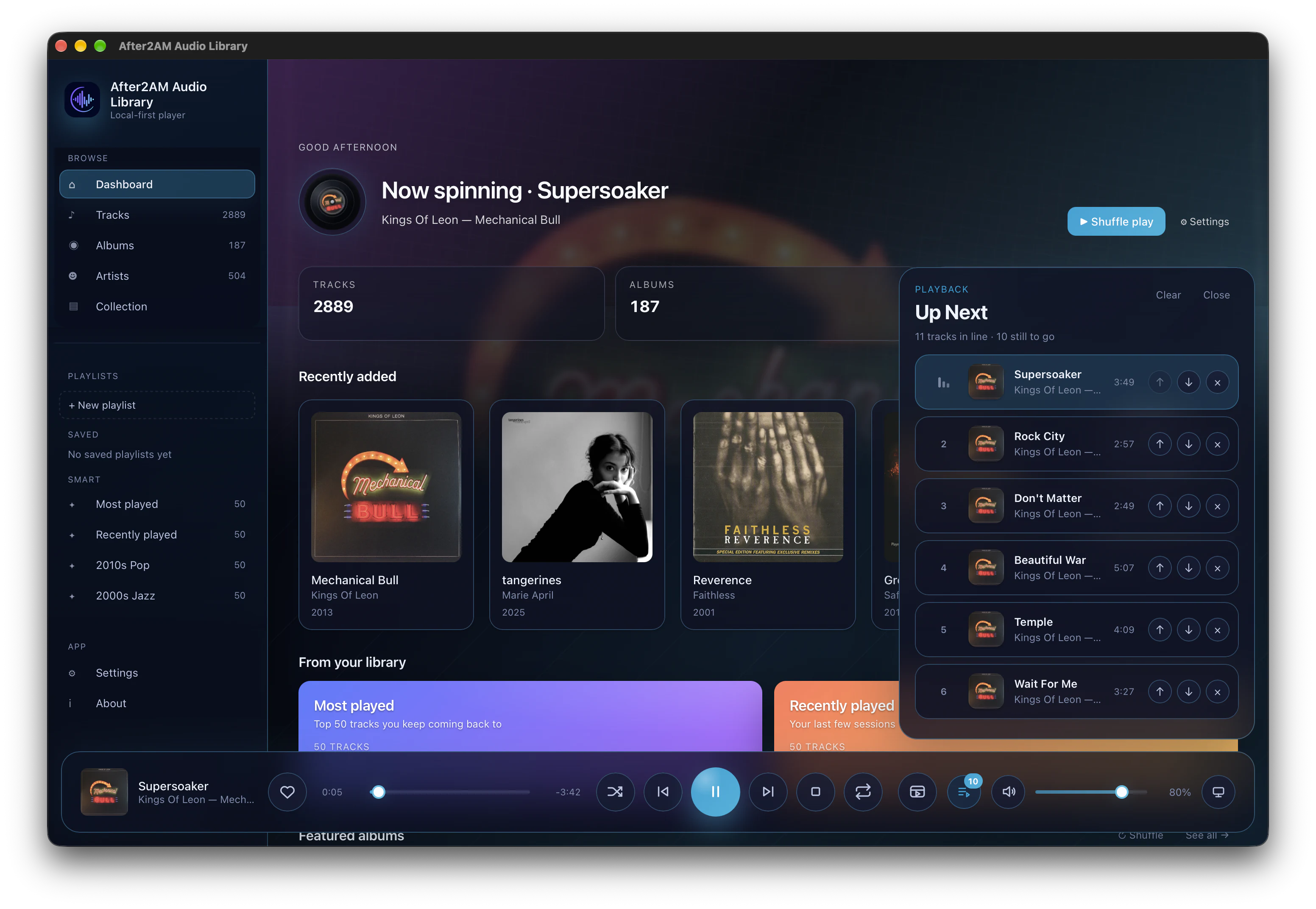
Albums, artists, tracks, favourites, history, genre and vibe mixes, Recently Added, Rediscover, and smart seasonal suggestions (planned feature).
The cross-platform desktop player
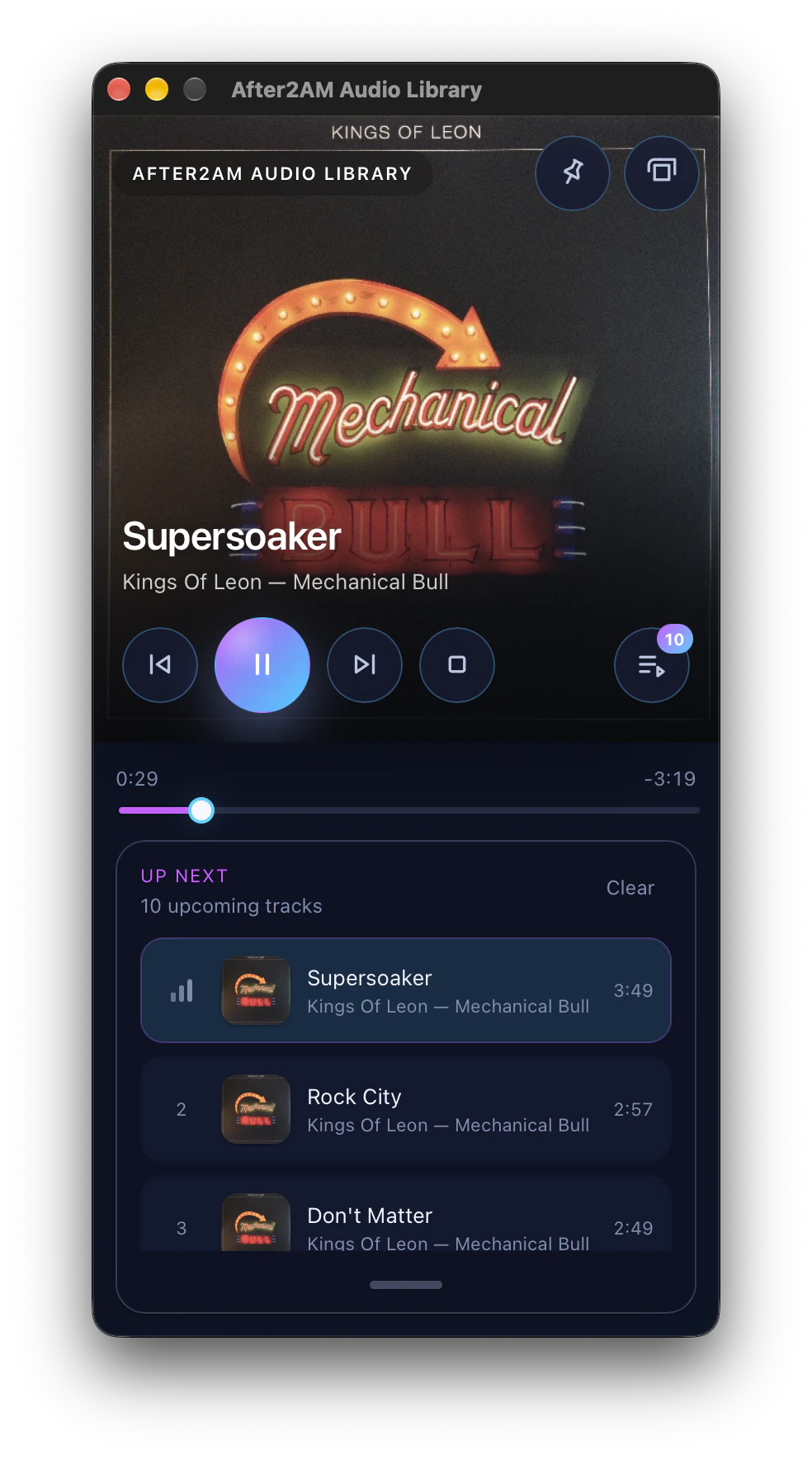
After2AM Audio Library turns the folders you already own into a fast, rich music library—with serious playback, discovery, track editing, and collection tools built in.
 Available now
The library, fully awake
Built for people with real folders, real collections, and opinions about how their music should sound.
Albums, artists, tracks, favourites, history, genre and vibe mixes, Recently Added, Rediscover, and smart seasonal suggestions (planned feature).
Queue editing, Play Next, shuffle, repeat, and output-device control keep listening flexible without getting in the way.
Choose from six presets or shape a custom ten-band EQ, with every adjustment applied directly through mpv.
Measures how loud each track actually sounds and evens out playback safely, without uploading your files to a cloud service.
Analyze BPM one album at a time when you choose, with confidence-aware results plus tap tempo, typed edits, halve/double tools, and tempo-driven vibe mixes.
Catalogue vinyl, CD, cassette, and digital releases with barcodes, Discogs and MusicBrainz matches, shelves, notes, and archive status. Requires After2AM Audio Server.
Local or connected
Audio Library works without an account for music stored on this computer. Connect After2AM Audio Server when you want to browse and privately stream a shared library, or use the server-backed Physical Collection catalogue.
Add music from internal storage, external drives, or mounted network volumes. Your library stays on this computer.
Connect to After2AM Audio Server for shared artwork, playlists, queue, track details, and playback in original quality or a smaller streaming size.
Switch between local folders and the server whenever you like. Connecting to the server never replaces your local library.
Version 1.0.0
All desktop editions are free. Select the installer for the computer you’re using. The macOS and AppImage editions require mpv to be installed separately.
Available now